
Teacher portal
Manage courses, course assistants, teaching materials, calendars, and activity analytics.
The teacher portal groups the tools used to prepare and support courses. Open the teacher portal after signing in.
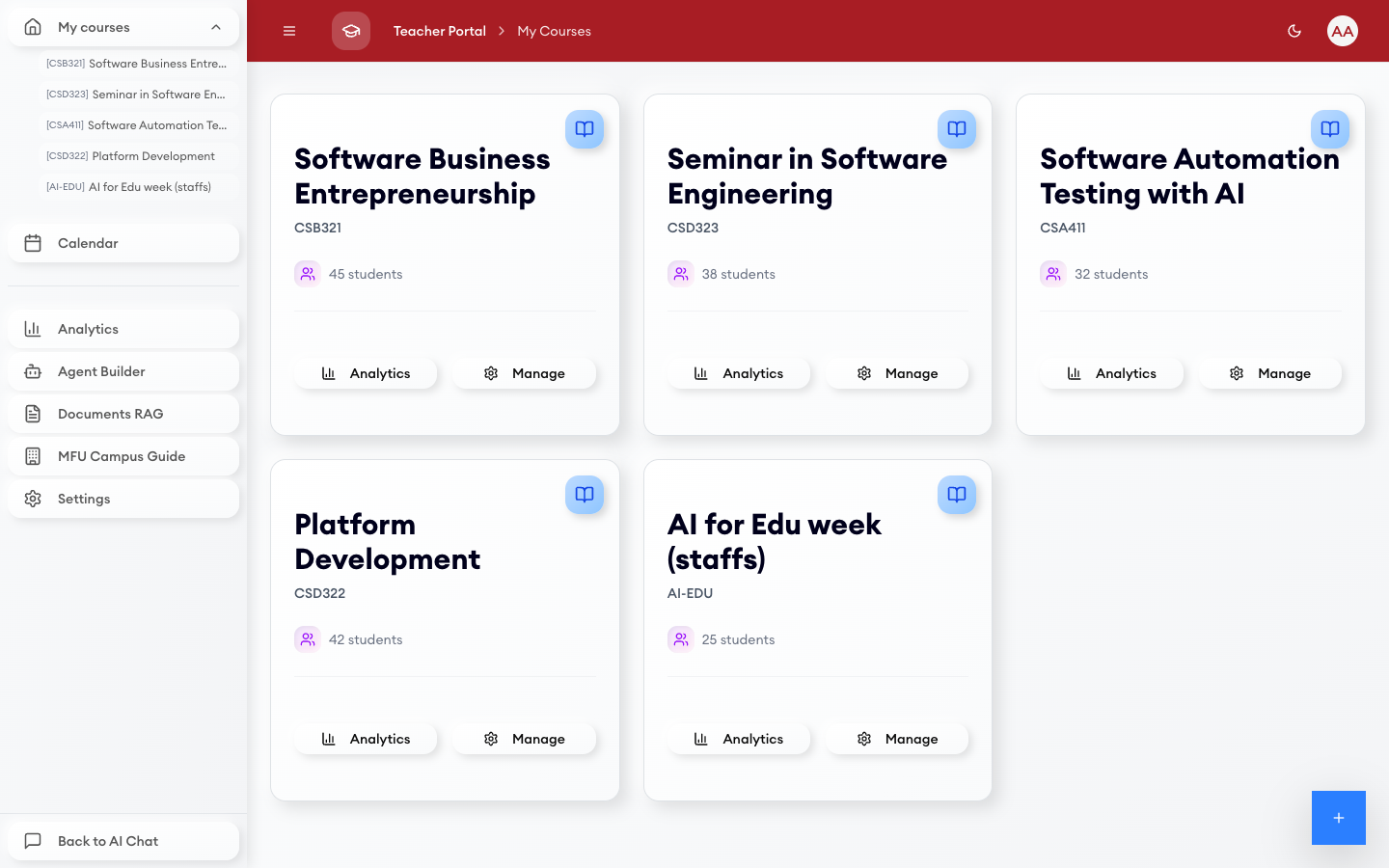
Manage your courses
Use My courses to open an existing course or create course content where that option is available. Course pages are the main place for organizing learner-facing information and tools.
Before making material available, check the course title, code, description, and intended audience.
Configure AI support
Use Agent Builder to define how a course assistant should behave. Clear instructions, well-organized documents, and realistic test questions improve the quality of responses.
Work with course documents
Use Documents RAG to upload and manage material used for document-grounded answers. Remove outdated copies and use recognizable filenames so sources remain understandable.
Review activity
Use Analytics to review the activity signals currently collected for your courses. Analytics can help identify common questions or content gaps, but should not be treated as a complete measure of an individual student’s learning.
Maintain academic oversight
Review AI-generated content before using it in an assessed or high-impact context. Tell students how AI tools may be used in the course and which academic-integrity rules apply.