
Create and manage courses
Set up course information, organize the teaching workspace, and review access before delivery.
Open My courses from the teacher portal. Select an existing course to manage it or use the available creation control when you need a new workspace.
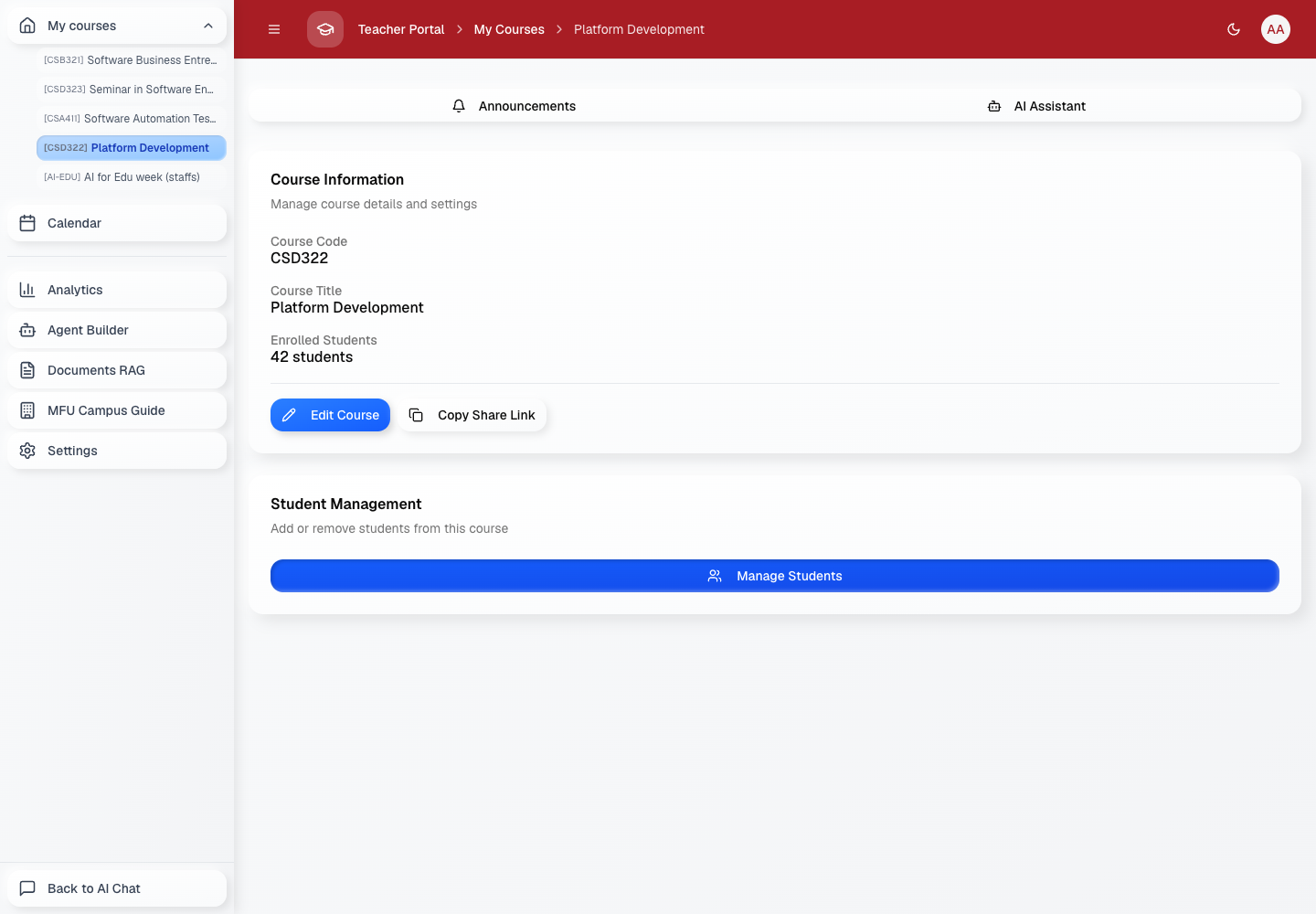
Prepare course information
Use an accurate course code, title, and description. Include enough detail to distinguish sections or offerings that have similar names.
Create a course workspace
- Open My courses.
- Select the available course-creation action.
- Enter the required course information.
- Review the values before saving.
- Open the created course and confirm its tools and navigation.
Organize course delivery
Add materials using recognizable filenames, configure the course assistant, and test student-facing questions before inviting learners to depend on the workspace.
Review access
Confirm that the intended students can see the course and that unrelated users cannot access restricted material. Resolve duplicate courses or incorrect enrollments before teaching begins.
Maintain the course
Review content when the syllabus changes. Remove obsolete documents, update assistant instructions, and check activity analytics for recurring points of confusion.