
Build a course assistant
Configure focused instructions and test an AI assistant before students use it.
Open Agent Builder from the teacher portal. The builder stores a separate configuration for each course and organizes it into General Settings, Behavior & Tone, and Course Rules.
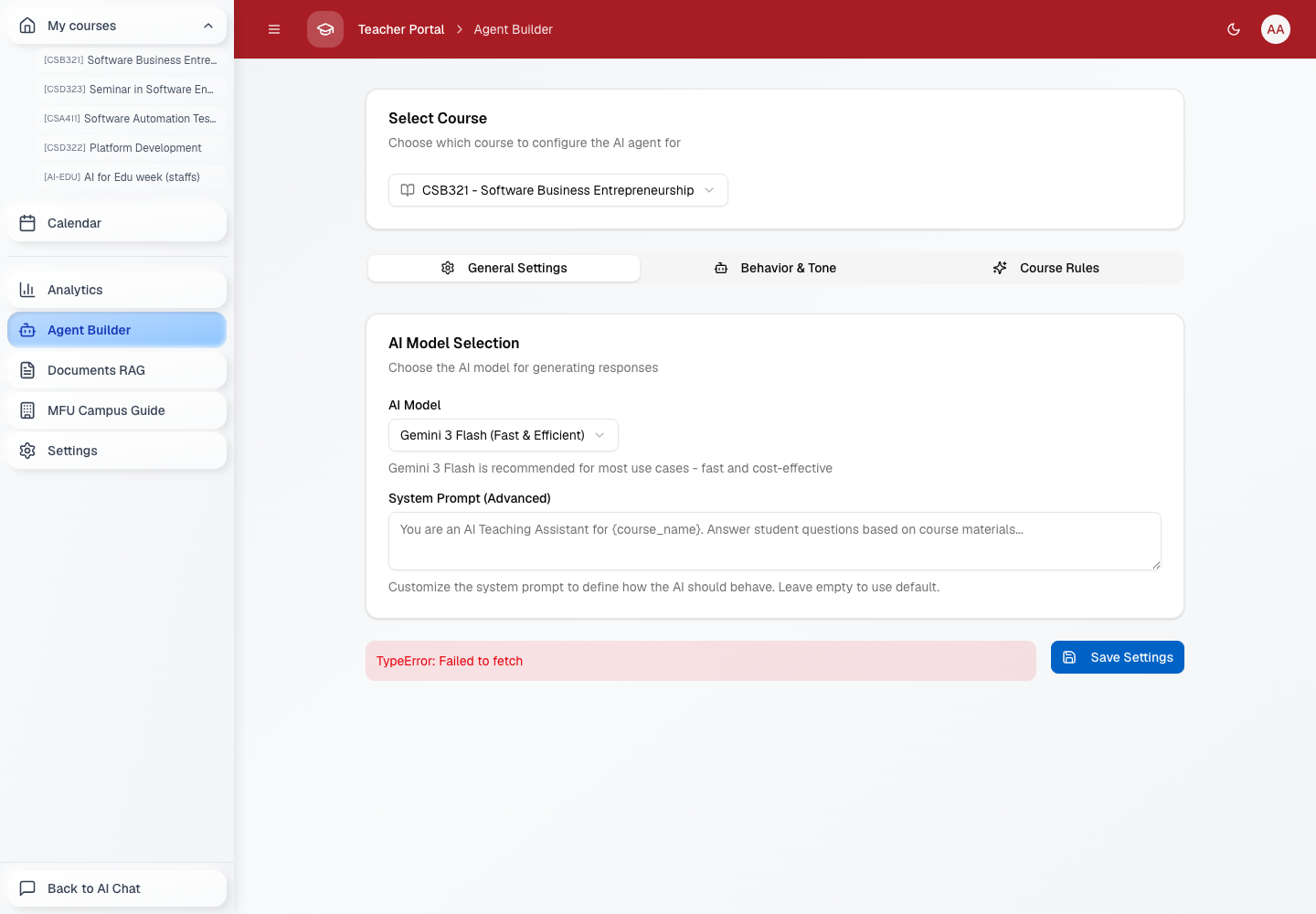
Configuration workflow
- Select the course by code and title.
- Under General Settings, choose the model and review the system prompt.
- Under Behavior & Tone, choose the communication tone.
- Under Course Rules, add the approved grading policy and course boundaries.
- Select Save Settings.
- Test the assistant from the course workspace.
Define the assistant’s purpose
State the course, audience, and tasks it should support.
You are a teaching assistant for Introduction to Data Science. Help first-year students understand course concepts using the uploaded materials. Use short explanations and ask a checking question after difficult topics.
Add response rules
Useful rules include:
- Prefer the uploaded course material when it contains the answer.
- Say when the available material does not support a claim.
- Do not invent grades, deadlines, policies, or citations.
- Guide students through reasoning instead of completing restricted assessments.
- Use language appropriate for the course level.
Test before sharing
Test ordinary questions, ambiguous questions, questions outside the course scope, and requests that should be declined. Check that the assistant admits uncertainty and points students to the correct official source.
Improve the configuration
When an answer is consistently weak, determine whether the instructions are unclear or the necessary source material is missing. Change one part at a time and repeat the same test questions.