
Course workspace
Read course announcements and use course-aware AI chat, flashcards, quizzes, and planning tools.
Open My Courses in the student portal and select a course. Check the course code and title before using any AI activity.
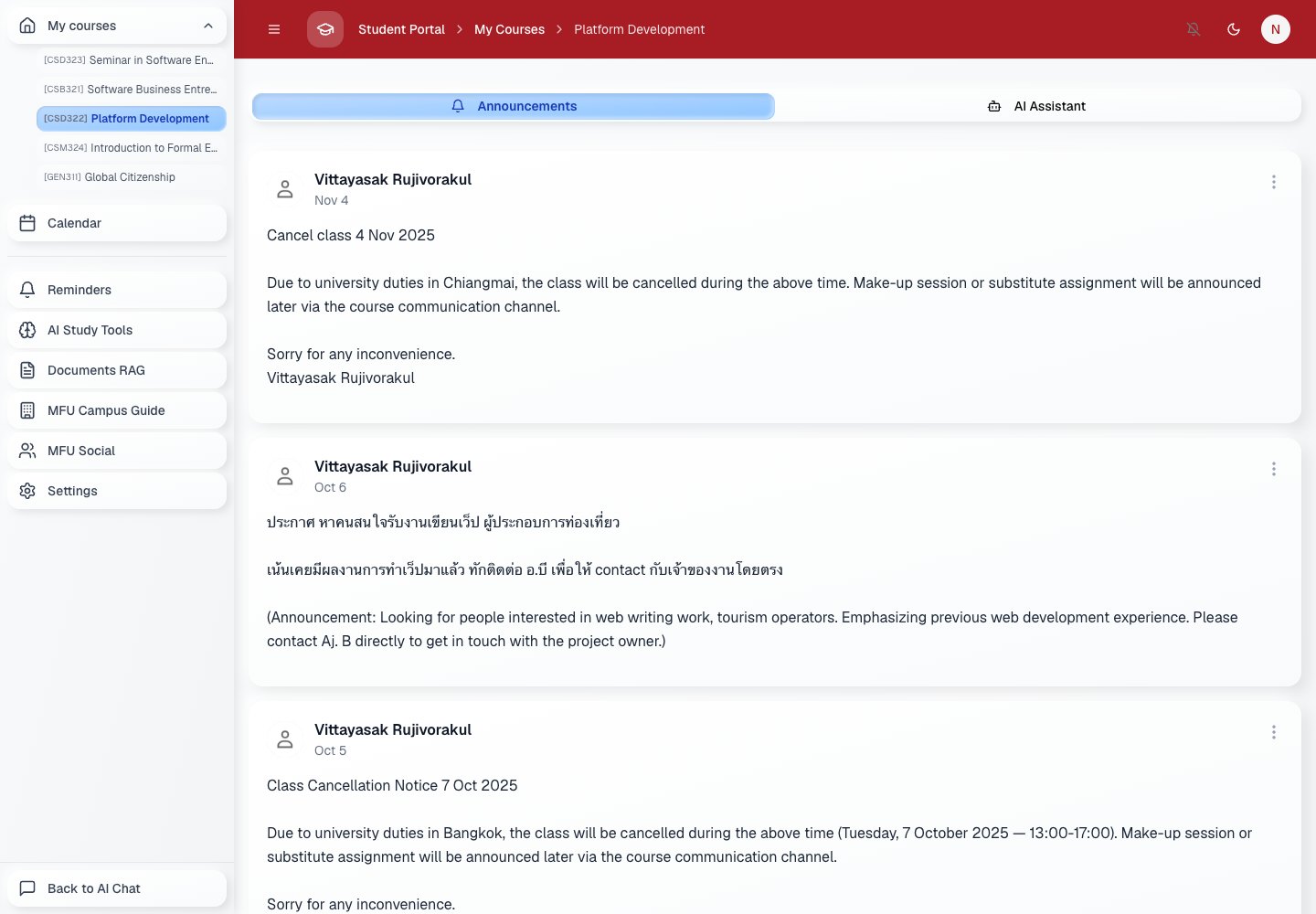
Announcements
The Announcements tab is the course feed. It can contain teaching updates, assignment notices, links, grouped information, and attached files.
- Read the newest item and its date.
- Open any attached file in a new tab.
- Confirm deadlines and assessment instructions against the official course source.
- Complete any survey shown below the feed when your teacher requests it.
If the feed is empty, the course has no announcements available to your account yet.
AI Assistant
The AI Assistant tab contains four course-aware tools:
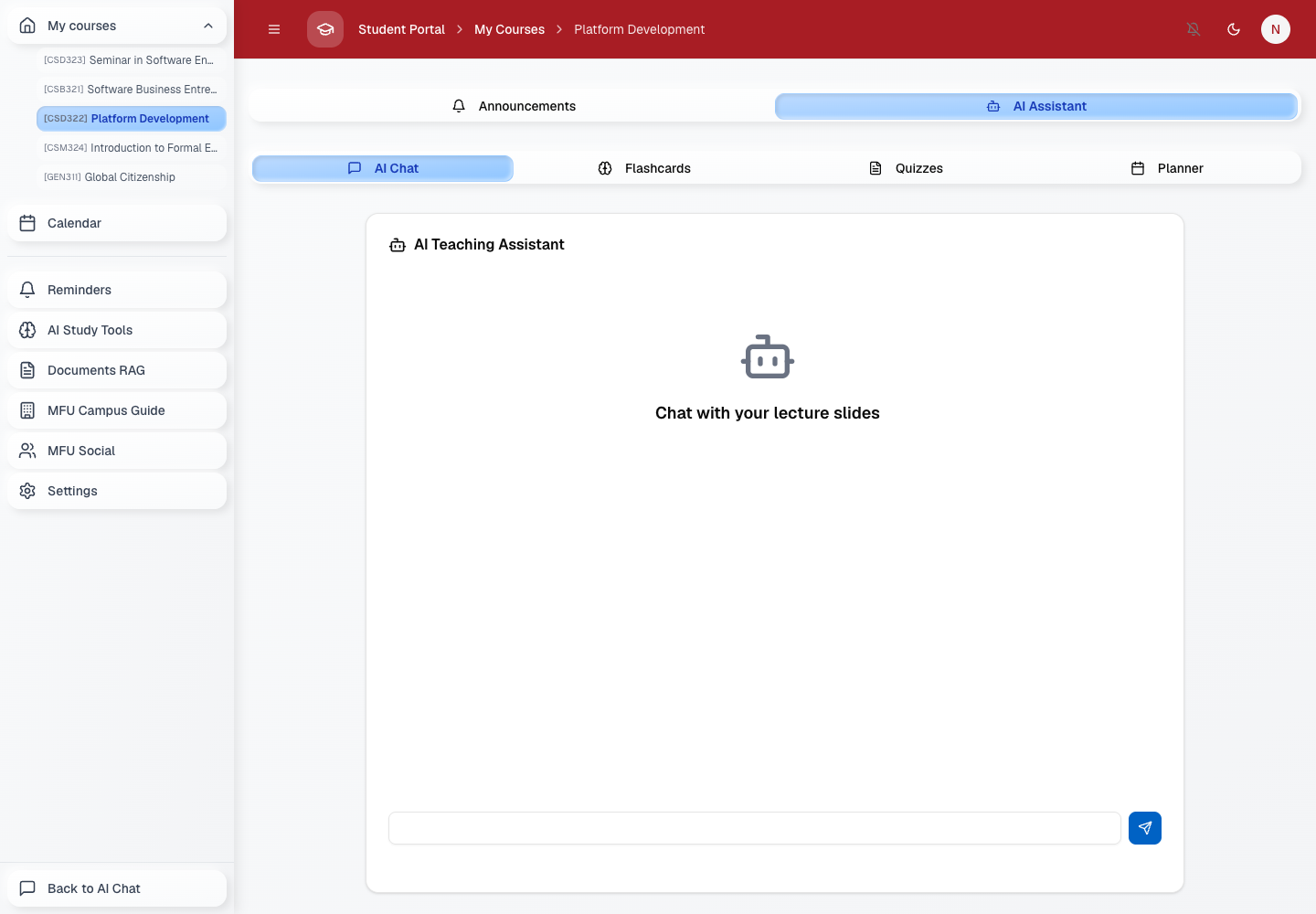
- AI Chat for explanations and follow-up questions.
- Flashcards for question-and-answer review.
- Quizzes for scored practice questions.
- Planner for manual or AI-generated study tasks.
The selected course supplies the assistant’s course ID, materials, and teacher-defined chatbot settings. Keep unrelated questions in a general AI Chat conversation.
Ask a course question
Using this course’s Week 3 material, explain the difference between authentication and authorization. End with one checking question.
If the assistant cannot find the information, do not assume the missing answer is false. The required material may not have been uploaded or indexed.
Use course practice activities
Open Flashcards for rapid recall, Quizzes to check understanding, or Study Planner to schedule another review cycle.
Course access problems
- If the course does not appear in My Courses, confirm that you enrolled with the correct account.
- If only one tool is empty, the teacher may not have created that activity.
- If all course data fails to load, refresh once and follow Troubleshooting.