
Plan study tasks
Add and prioritize study tasks, generate a course plan with AI, mark work complete, and remove obsolete items.
Open a course’s AI Assistant area and choose Planner. When opened from a course, the planner uses that course as context and can generate course-specific tasks.
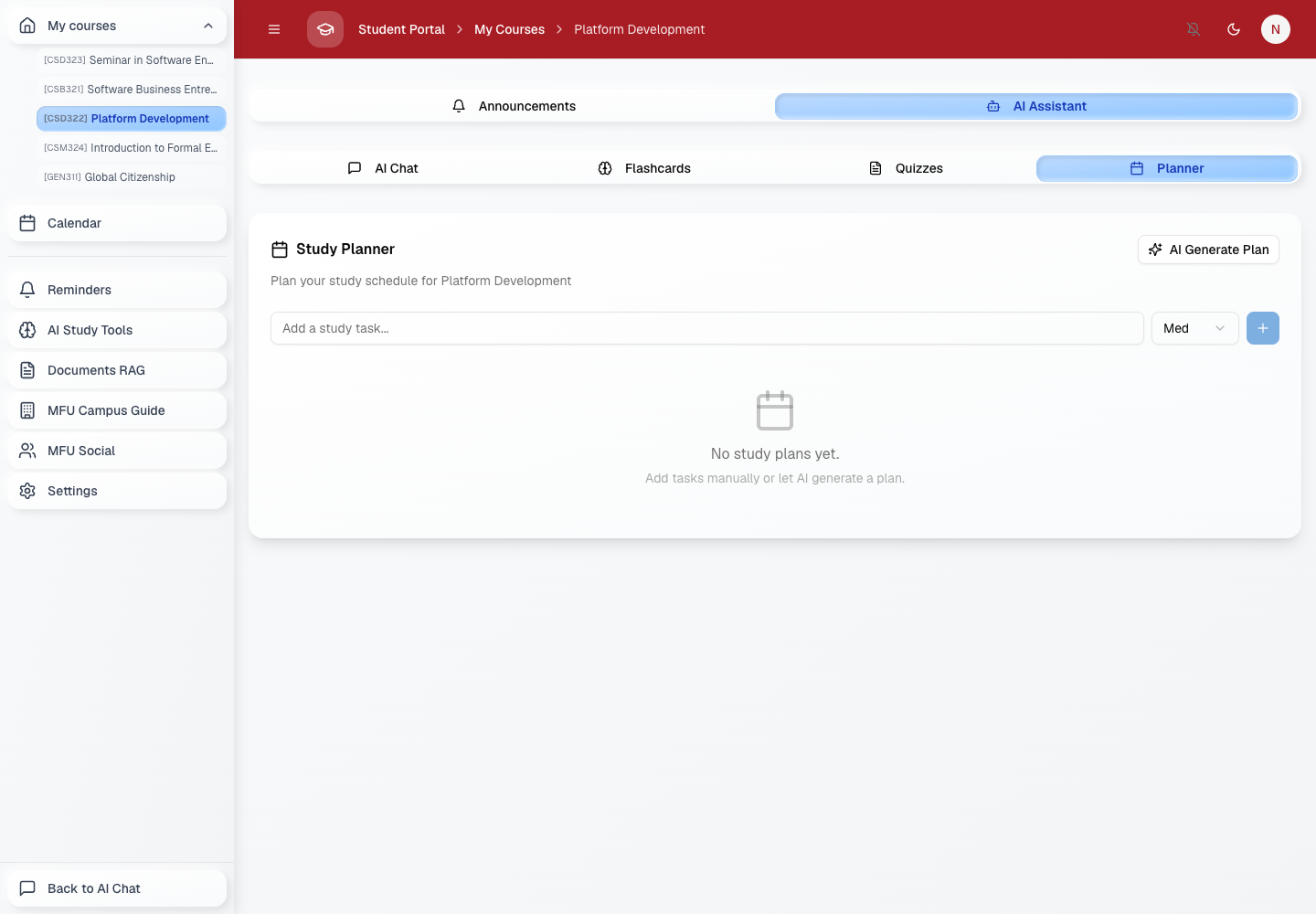
Add a task manually
- Enter a short action in Add a study task.
- Choose Low, Med, or High priority.
- Select the plus button or press Enter.
Write actions that can be completed, such as “Review Week 5 routing examples,” instead of broad goals such as “Study networking.”
Generate a plan with AI
Select AI Generate Plan while a course is active. Generated tasks are added to the existing list and marked with a sparkle icon.
Review the generated plan before following it:
- remove tasks that do not match the current syllabus;
- adjust priorities based on real deadlines;
- confirm assessment dates against official course information;
- add missing tasks manually.
Understand priorities
| Priority | Use it for |
|---|---|
| High | A near deadline, prerequisite gap, or important weak area. |
| Medium | Normal planned review during the current study period. |
| Low | Optional enrichment or a task with no immediate deadline. |
Too many high-priority items make the label meaningless. Keep the urgent set small.
Complete or remove a task
Select the circle beside a task to mark it complete. Completed work moves into the completed section. Use the delete control to remove an item that is duplicated, obsolete, or no longer relevant.
Deletion removes the task rather than marking it completed. Use completion when you want the planner to reflect progress.
Weekly review
At the start of each week, remove obsolete tasks, confirm priorities, and keep only actions you can realistically complete. At the end of the week, use missed tasks to decide what needs a smaller scope or more support.